Worklog
This module allows you to log/edit worked hours.
FAQ
Q: Can I add hours for the past month?
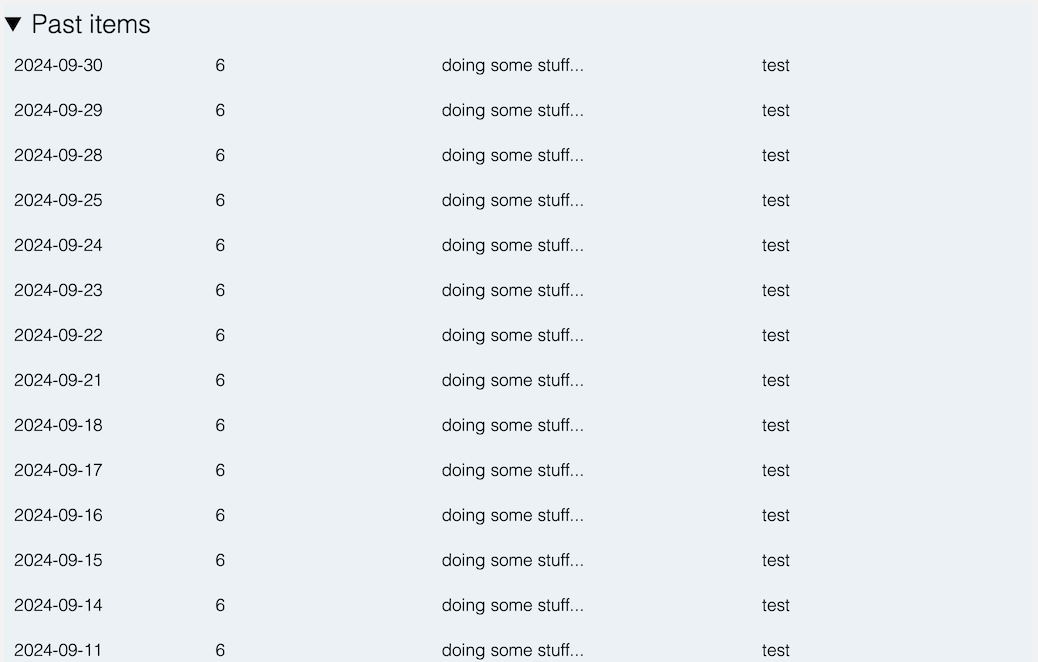
A: Yes. However, we encourage adding hours as close to the actual work date as possible to avoid affecting the accuracy of reports and billing. Use the "Past month" checkbox to add hours for a previous month.
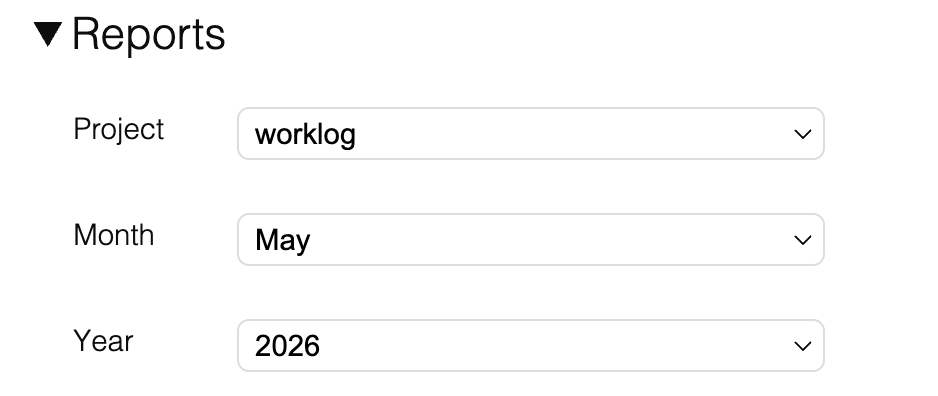
Q: Do the monthly reports show only my hours or also my colleagues' hours?
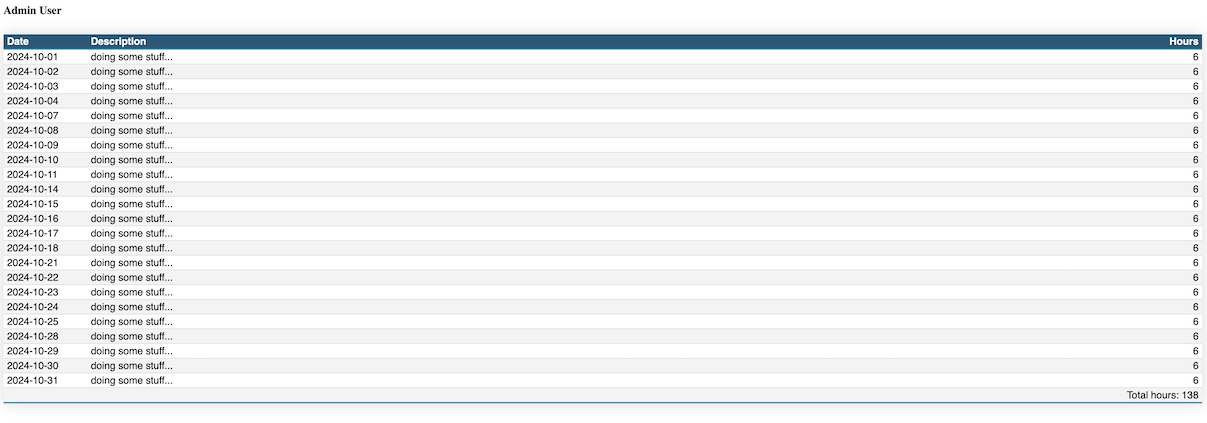
A: The monthly reports show only your hours. Only the admin has access to reports that show all users' hours, from a dedicated reporting module.
Add a work item
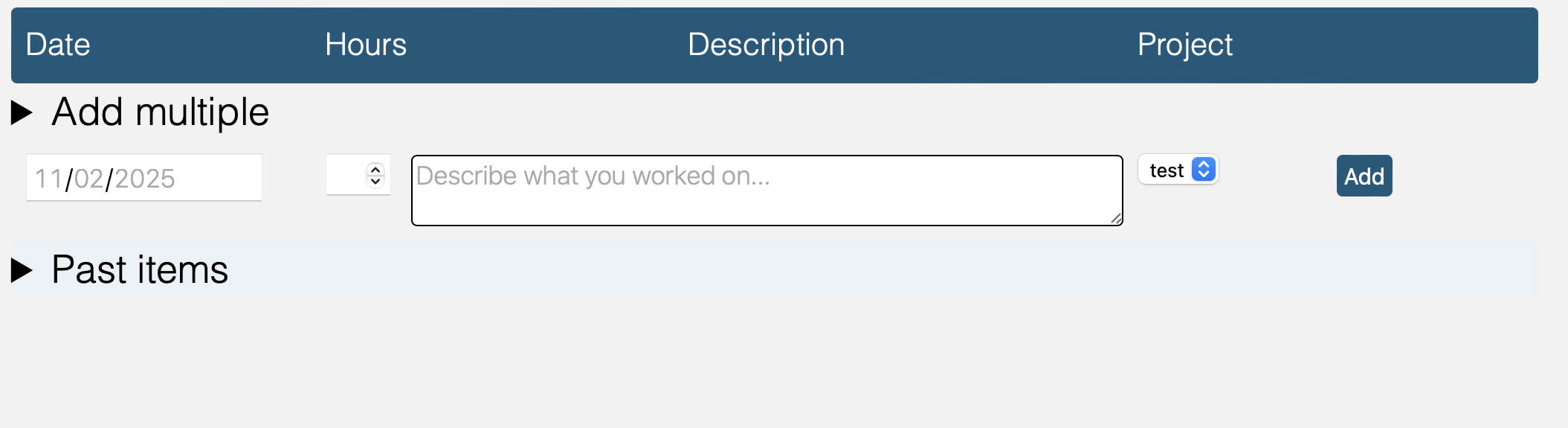
You can add a single entry to your worklog by filling in the form at the top of the table. You need to provide a date, a number of hours spent on the task, a description of the task, and the project you worked on. Next, simply press the "Add" button and the entry will be added to the worklog. You can also add multiple work items (see the Add multiple section below) or import work from Jira (see the Jira integration section below).
Edit work items
If you need to edit one or more entries, you can do so directly in the table. The modified values will show up with a different color. When you are done editing, press the "Apply changes" button, on top of the table header.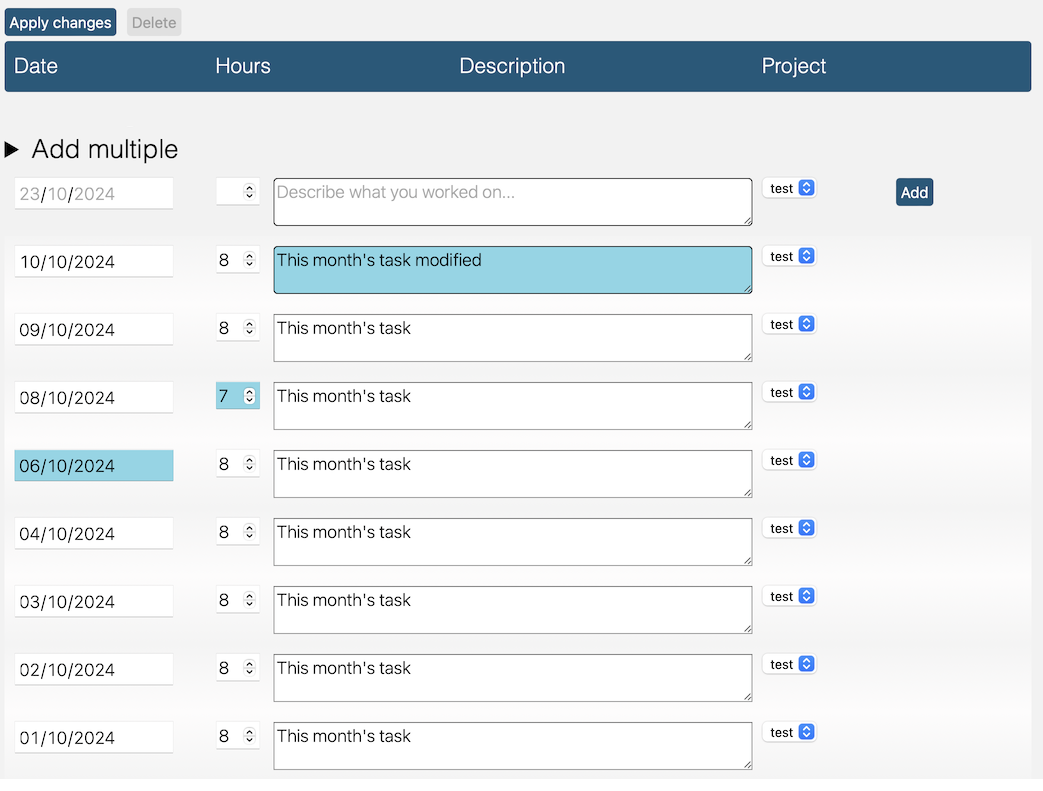
Delete work items
If you need to delete one or more entries, you can do so by clicking the rows in the table. The selected rows will have a different background. When you are done selecting rows for deletion, press the "Delete" button, on top of the table header.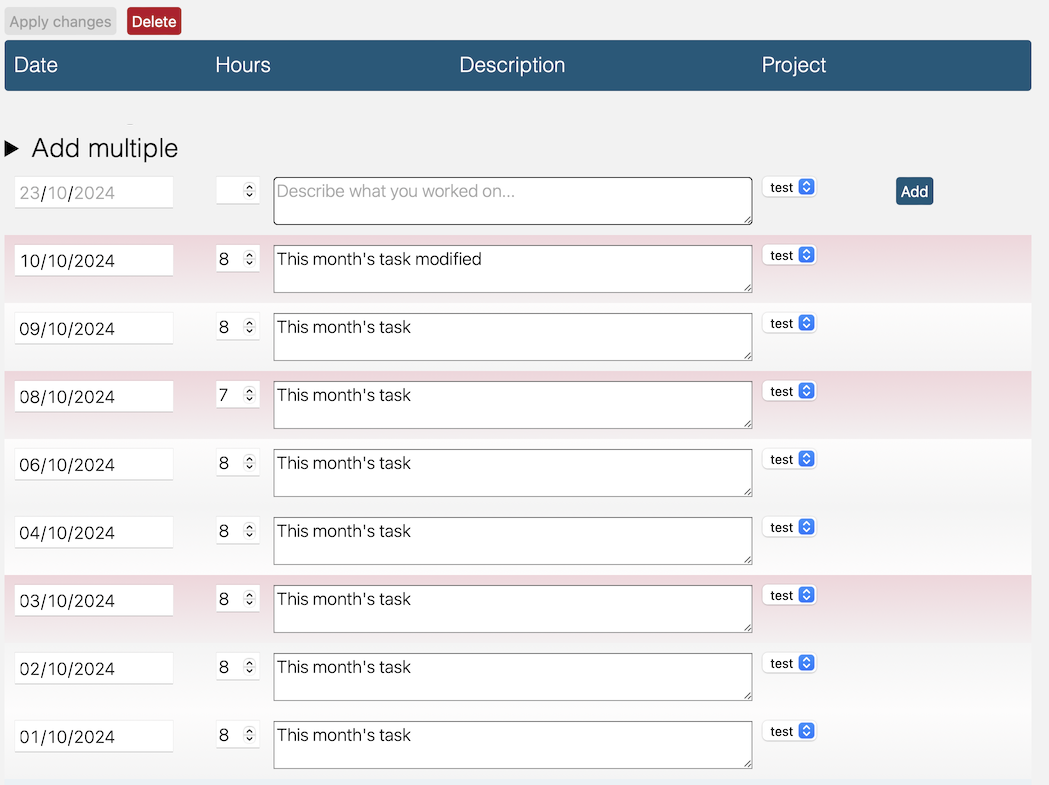 We'll cover the expandable sections from top to bottom:
Reports
CSV import
The CSV file format should be as follows: "date",hours","description","project".
For example: "2021-01-01","8","Description","Project". The file should not contain a header.
Note: CSV import will not check for duplicate entries. If you import a CSV file that contains entries that already exist in the worklog, they will be added again.
Note: Only lines containing a project associated with the current user will be imported.
Note: You cannot import more than 100 lines at once.

Jira integration
Github integration
Add multiple

Past items