Home page
You can find here all the modules you have access to.
Regular (non-admin) users will have access only to those modules the admin assigned to them.
How do I know if I'm an admin?
If you opened the account for your company, you're the admin.
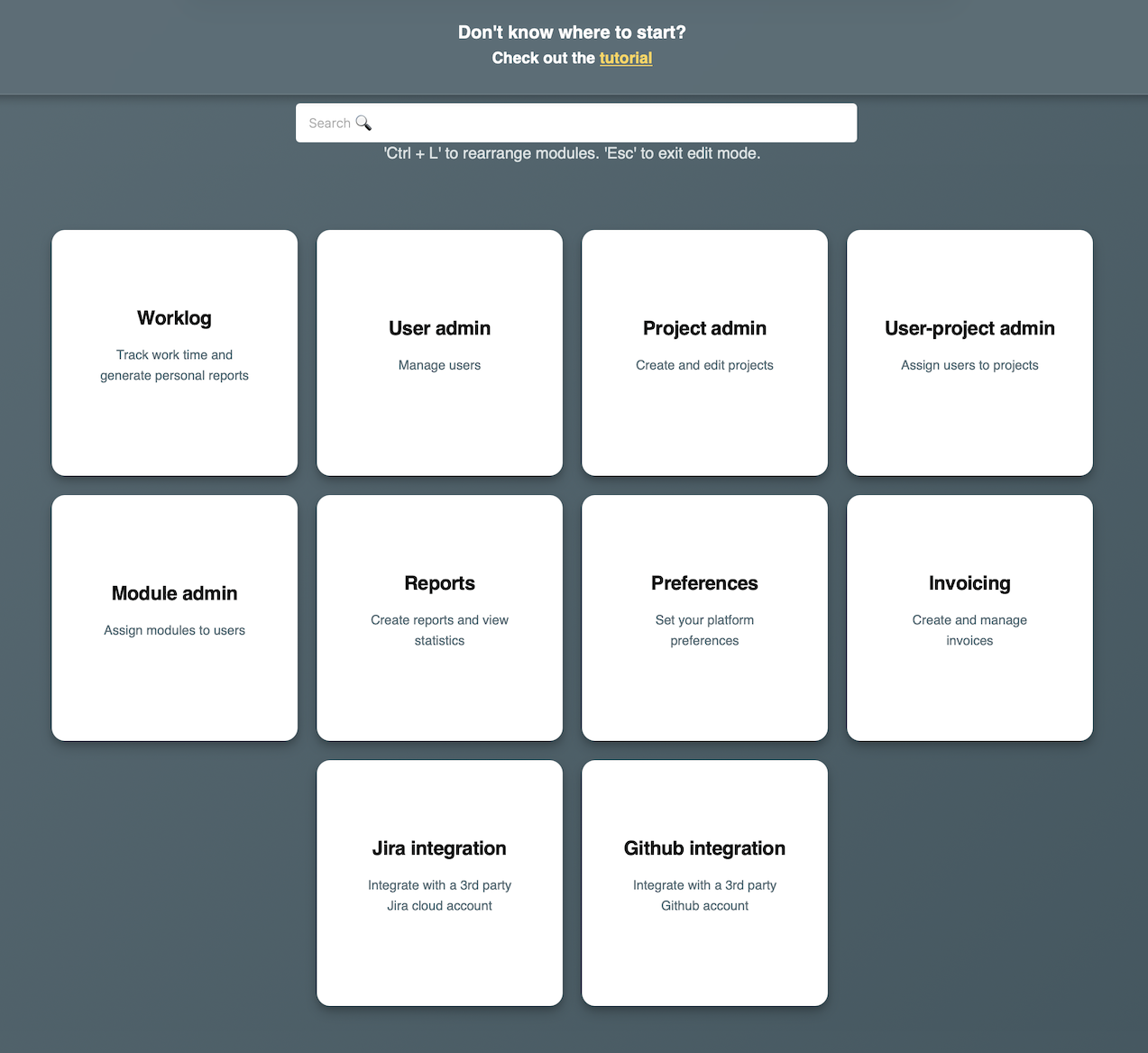
Modules are initially arranged in the order it is recommended to go through to configure the data. A typical scenario would be:
- Adding users (if you have others in the company besides you)
- Assigning modules to users
- Adding projects
- Assigning projects to users (including for you as admin)
- Setting up JIRA integration (if you want to import hours from JIRA)
- Logging worked hours
- Generating reports with worked hours, for clients
- Generating invoices (integration with SPV is described in detail in the Invoicing section)
In the top right corner, you have the logout button. Never leave your account open on a public computer.
In the top center of the page, you have the search bar. Use this to filter the modules shown.